This section helps you forcefully log out all active users in a batch. This action is useful when critical changes are made such as course updates, permission changes, or security-related actions and users need to re-login for the changes to take effect.
Steps to Force Logout Users
Navigate to Batch Management under Memberships

Click on the batch from which you want to log out users.
Click on Actions.
Select Force Logout.
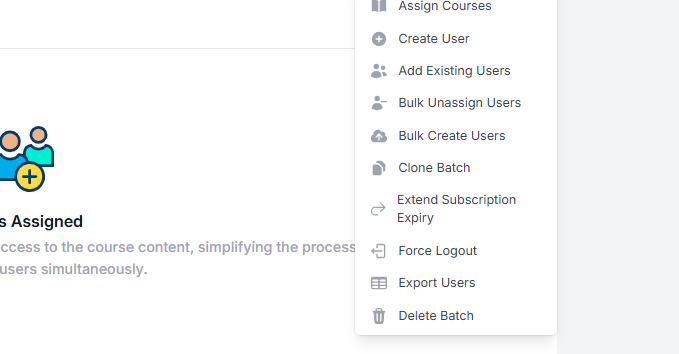
Confirm the action when prompted.
Once confirmed, all currently logged-in users in the selected batch will be logged out immediately and will need to log in again to continue accessing the platform.
Was this article helpful?
That’s Great!
Thank you for your feedback
Sorry! We couldn't be helpful
Thank you for your feedback
Feedback sent
We appreciate your effort and will try to fix the article